
Why UI/UX Design Training at Net Rider Multan is the Future Skill for Creative Careers
Best Figma UI/UX Design Course in Multan – Become a Professional Designer
No tech degree? No experience? No problem.
This course is built for beginners who want to learn modern UI/UX design and start earning with real, in-demand skills.
Our Figma UI/UX training focuses on hands-on practice, real client-style projects, and industry-level workflows. By the end, you’ll have a complete portfolio to showcase to employers and clients.
Why Choose This Course?
Beginner-friendly (no experience required)
Learn directly from industry professionals
Real-world projects & assignments
Freelancing and job guidance
Affordable fees & flexible timings
What You’ll Learn
UI/UX Foundations
What UI & UX are, the importance of design, and career opportunities
Figma Mastery
Tools, auto layout, components, variants, grids, team collaboration
UI Design Principles
Layouts, typography, colors, icons, visual hierarchy
UX Research
Personas, user flows, journey maps, competitor analysis
Wireframes & Prototypes
Low & high-fidelity designs, clickable prototypes, usability testing
Real Projects
Mobile apps, websites, dashboards, SaaS UI, landing pages
Portfolio Building
Professional case studies + job-ready presentation
Career Opportunities
Become a:
UI Designer • UX Designer • Product Designer • App Designer • Web Designer • Freelancer • Design Consultant
You can work in software houses, agencies, startups — or remotely.

Tools and Techniques Powering Today’s Digital Accounting Success
Unlock Global Career Opportunities
UI/UX designers are in high demand across tech companies, startups, agencies, and freelance platforms. Mastering Figma gives you the skills to design interfaces that power apps, websites, and digital platforms worldwide.Boost Creative Speed & Career Growth
Learn to wireframe, prototype, and iterate faster using professional Figma workflows. Stand out in interviews, freelance projects, or product teams with high-impact design skills.Work Remotely or Freelance with Confidence
UI/UX design is one of the most flexible careers today. With just a laptop and Figma, you can collaborate globally, take on freelance clients, or launch your own design studio from anywhere.Stay Future-Proof in a Digital World
As products go digital, great design becomes non-negotiable. UI/UX expertise keeps you relevant in a world dominated by user experience, interaction, and visual storytelling.Gain Real-World Project Experience
Through hands-on assignments and client-style briefs, you’ll build a portfolio that showcases your skills to employers and clients alike.Access Certification & Job Support
Complete the course with a recognized certificate and benefit from job placement guidance, freelance mentorship, and resume-building support.

Fundamentals of UI/UX Design
Understand core principles of user experience and interface design, including usability, accessibility, and design thinking.Mastering Figma Tools & Workflows
Learn to create wireframes, mockups, components, and interactive prototypes using industry-standard Figma features.User Research & Wireframing
Discover how to gather user insights, build user flows, and sketch effective low-fidelity wireframes.Visual Design & Layout Techniques
Apply color theory, typography, spacing, and grids to create clean, visually balanced interfaces.Prototyping & Interactive Design
Build clickable prototypes and micro-interactions to simulate real product experiences.Responsive & Mobile-First Design
Design adaptable layouts for different screen sizes with modern best practices.Building Design Systems
Create reusable UI components and styles to ensure consistency across your designs.Portfolio Projects & Real-World Practice
Work on real-world design briefs and leave the course with a job-ready portfolio.
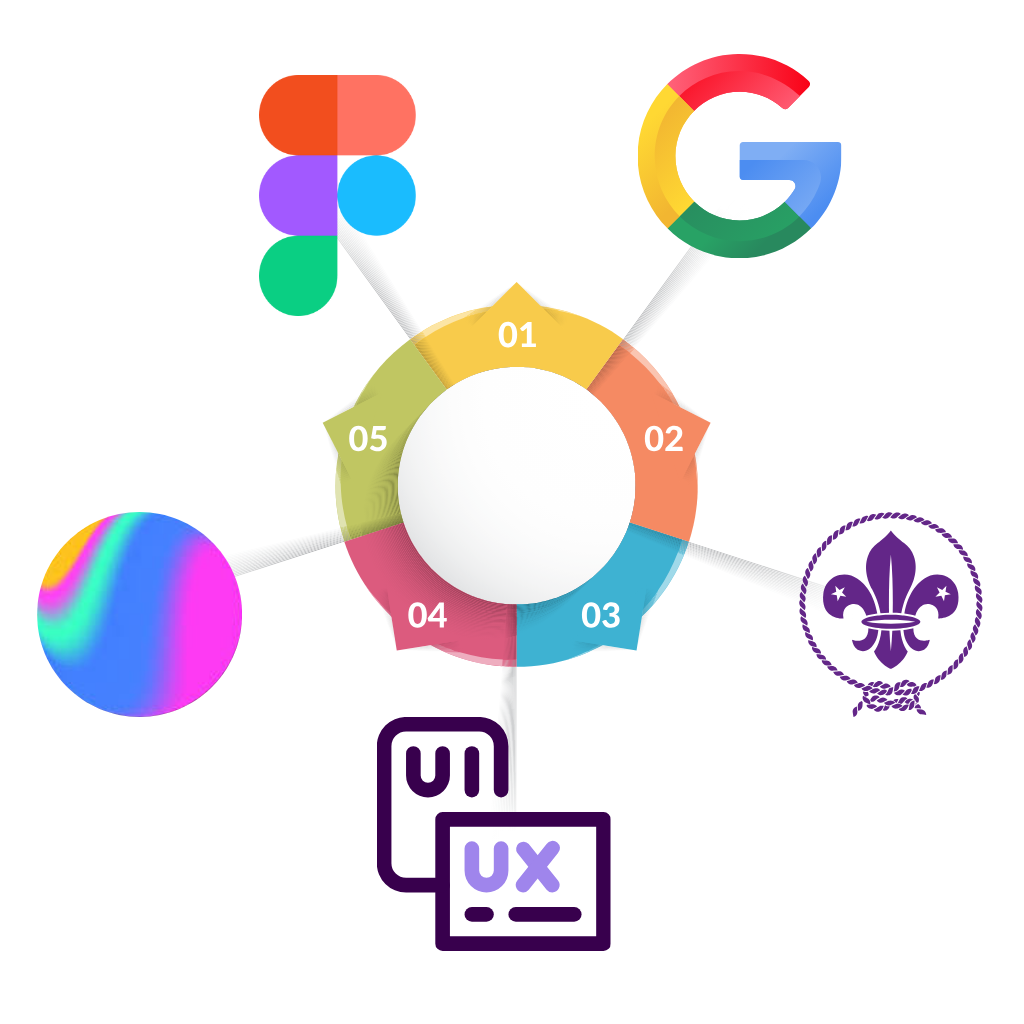
Figma (Web & Desktop App)
The core tool for UI/UX design. Practice creating wireframes, UI layouts, components, and interactive prototypes directly in Figma’s collaborative environment.FigJam (for Brainstorming & User Flows)
Use FigJam to map out user journeys, sitemaps, and design ideas visually—perfect for planning and team collaboration.Google Fonts & Color Tools (e.g., Coolors, Adobe Color)
Practice selecting typefaces and color palettes that align with branding and accessibility standards.Unsplash / IconScout / FontAwesome
Learn to source free images and icons for real-world design projects to improve visual storytelling.Notion / Google Docs
Organize design notes, research findings, and project documentation collaboratively.LottieFiles / Spline (Optional)
Explore advanced tools for adding motion and 3D elements to your interfaces if you want to go beyond static design.Online UI Challenges & Practice Platforms
Sites like Frontend Mentor or Daily UI help sharpen your skills through small daily tasks and real-world briefs.